
Design Smarter with Canva Buy Now

Career

Languages : Hindi , Telugu

This Canva course is designed to help beginners and aspiring creators learn visual design from scratch using simple, practical methods. The program focuses on creating real-world designs such as social media posts, marketing creatives, brand visuals, and short videos without requiring any prior design knowledge. Learners are guided step by step through Canva’s tools and features so they can confidently design professional-quality content, build a strong portfolio, and explore income opportunities using Canva skills.

Course Overview

18 Lessons • 4.50 Hours

  • Introduction
    Free
  • Getting Started with the Canva Workspace
  • Core Design Principles – A Beginner’s Guide
  • Understanding Color Psychology in Design
  • Typography Fundamentals for Visual Impact
  • Alignment Techniques for Clean & Balanced Layouts
  • Visual Hierarchy – Guiding Attention Effectively
  • Designing for Social Media Platforms
  • Photo Editing Essentials Using Canva
  • Canva AI Tools for Smart & Faster Design
  • Advanced Text Editing & Styling Techniques
  • Motion Graphics & Simple Animations in Canva
  • Video Editing Fundamentals with Canva
  • Introduction to Branding & Visual Identity
  • Logo Design Basics Using Canva
  • Designing Professional Business Cards
  • Portfolio Building for Designers & Creators
  • Freelancing & Income Launch System with Canva Skills

Design Smarter with Canva

By Diptimai Sahoo
4.50 Hours
Completion Certificate
Beginner

This Canva course is designed to help beginners and aspiring creators learn visual design from scratch using simple, practical methods. The program focuses on creating real-world designs such as social media posts, marketing creatives, brand visuals, and short videos without requiring any prior design knowledge. Learners are guided step by step through Canva’s tools and features so they can confidently design professional-quality content, build a strong portfolio, and explore income opportunities using Canva skills.

No prior design experience is required to join this course. Learners only need a smartphone or computer with a stable internet connection. Basic knowledge of using mobile apps or a computer is enough to follow along. A willingness to practice and apply the concepts is the most important requirement for success in this course.

Course Overview

18 Lessons • 4.50 Hours

  • Introduction
    Free
  • Getting Started with the Canva Workspace
  • Core Design Principles – A Beginner’s Guide
  • Understanding Color Psychology in Design
  • Typography Fundamentals for Visual Impact
  • Alignment Techniques for Clean & Balanced Layouts
  • Visual Hierarchy – Guiding Attention Effectively
  • Designing for Social Media Platforms
  • Photo Editing Essentials Using Canva
  • Canva AI Tools for Smart & Faster Design
  • Advanced Text Editing & Styling Techniques
  • Motion Graphics & Simple Animations in Canva
  • Video Editing Fundamentals with Canva
  • Introduction to Branding & Visual Identity
  • Logo Design Basics Using Canva
  • Designing Professional Business Cards
  • Portfolio Building for Designers & Creators
  • Freelancing & Income Launch System with Canva Skills
Labie Carthaline
Diptimai Sahoo

Instructor

Instructor

Diptimai Sahoo

Instructor
View
Here’s what you’ll learn
  • How to use Canva tools and design features confidently
  • Creating eye-catching social media posts and carousel designs
  • Designing logos, brand visuals, and business creatives
  • Photo editing and enhancement using Canva tools
  • Creating simple animated designs and short promo videos
  • Understanding design basics like spacing, alignment, and hierarchy
Course Bundle Summary
  • Beginner-to-practical Canva design training
  • Real-world design examples and use cases
  • Social media, branding, and marketing-focused designs
  • Portfolio-oriented learning approach
  • Simple, step-by-step teaching style
  • Skill-based learning aimed at earning opportunities
What you'll learn in this course?
  • How to use Canva tools and design features confidently
  • Creating eye-catching social media posts and carousel designs
  • Designing logos, brand visuals, and business creatives
  • Photo editing and enhancement using Canva tools
  • Creating simple animated designs and short promo videos
  • Understanding design basics like spacing, alignment, and hierarchy
How we will help you?
  • Beginner-to-practical Canva design training
  • Real-world design examples and use cases
  • Social media, branding, and marketing-focused designs
  • Portfolio-oriented learning approach
  • Simple, step-by-step teaching style
  • Skill-based learning aimed at earning opportunities

You've built real skills. Now prove them.

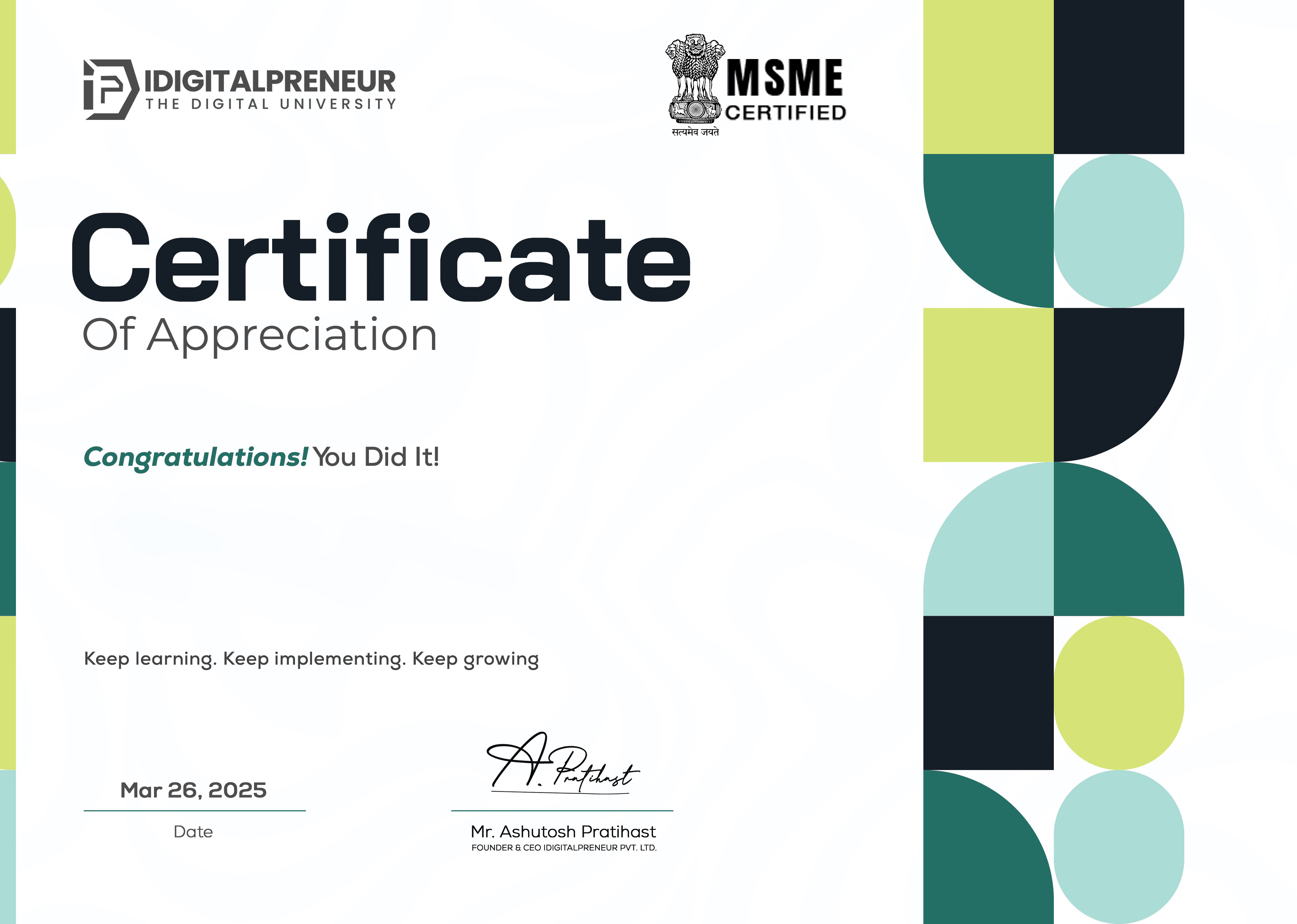
Download your MSME-certified E-Certificate and showcase your credibility to recruiters and clients.

Get My Certificate
Certificate Image
Certificate Image

Get Your E-Certificate

We know the best things for you.

Get Started

Related Courses

Related Courses

View All
Course Image
Mastery of Stock Market Course
Rajat Sharma

14 Hours

Course Image
Print On Demand
Danish Malik

4 Hours

Course Image
Python Decoded
Anmol Punetha

19.78 Hours

Course Image
Premiere Pro Reloaded
Shikhar Gupta

11 Hours

Course Image
VFX Magic with Unreal
Himanshu Rajput

11.21 Hours

Ready to Learn, Grow & Rise?

Join India's leading skill-to-income revolution. Access premium content, expert insights and your next big opportunity.

Media Minute

Spotify
netflix
zoom
adobe
Spotify
Spotify
netflix
zoom
adobe
Spotify

Frequently Asked Questions

Frequently Asked
Questions

Still you have any questions? Contact our Team via support@idigitalpreneur.com

Yes, the course is designed specifically for beginners with no design background.

Enrollment Process for Different Courses

No, a free Canva account is enough. Pro features are optional.

Enrollment Process for Different Courses

No, the free version is enough. Pro features are explained as optional.

Enrollment Process for Different Courses

Yes, you will create multiple design projects that can be used in a portfolio.

Absolutely. It covers social media visuals, branding, and promotional designs.