

Mobile Video Editing (Tamil) Buy Now

Design

Languages : Tamil

The Mobile Video Editing Course is a practical, beginner-friendly program designed to help anyone create professional-quality videos using only a smartphone. This course focuses on editing short-form and social media videos such as Instagram Reels, YouTube Shorts, and Facebook Reels using simple, step-by-step techniques. Learners will understand the complete mobile editing workflow—from importing clips to exporting high-quality videos—while building confidence to edit independently and professionally. By the end of the course, students will be ready to create portfolio-worthy videos and explore freelancing or entry-level editing opportunities.

Course Overview

11 Lessons • 6 Hours

  • CapCut Setup Basics
    Free
  • Overlay & Animations
  • Sound Design Pro
  • Text & Captions
  • Transitions & Effects
  • Smart Editing Tools
  • AI Video Effects
  • Advanced Editing Tricks
  • CapCut Editing Tutorial
  • Clip Animations Mastery
  • From Portfolio to Paid Projects

Mobile Video Editing (Tamil)

By Bhagavath Singh
6 Hours
Completion Certificate
Beginner

The Mobile Video Editing Course is a practical, beginner-friendly program designed to help anyone create professional-quality videos using only a smartphone. This course focuses on editing short-form and social media videos such as Instagram Reels, YouTube Shorts, and Facebook Reels using simple, step-by-step techniques. Learners will understand the complete mobile editing workflow—from importing clips to exporting high-quality videos—while building confidence to edit independently and professionally. By the end of the course, students will be ready to create portfolio-worthy videos and explore freelancing or entry-level editing opportunities.

No prior video editing experience is required to join this course. Learners only need a smartphone (Android or iPhone) with decent performance and a stable internet connection. Basic knowledge of using a mobile phone and social media platforms is sufficient. A willingness to practice and apply the editing techniques is essential for success.

Course Overview

11 Lessons • 6 Hours

  • CapCut Setup Basics
    Free
  • Overlay & Animations
  • Sound Design Pro
  • Text & Captions
  • Transitions & Effects
  • Smart Editing Tools
  • AI Video Effects
  • Advanced Editing Tricks
  • CapCut Editing Tutorial
  • Clip Animations Mastery
  • From Portfolio to Paid Projects
Labie Carthaline
Bhagavath Singh

Instructor

Instructor

Bhagavath Singh

Instructor
View
Here’s what you’ll learn
  • Edit professional-quality videos using a mobile phone
  • Understand the complete mobile video editing workflow
  • Trim, split, and arrange clips smoothly
  • Add text, captions, animations, and visual effects
  • Edit high-retention Instagram Reels and YouTube Shorts
  • Use correct aspect ratios and resolutions for social media
Course Bundle Summary
  • Beginner-to-practical mobile video editing training
  • Step-by-step CapCut-based editing workflow
  • Social media–focused video creation
  • Real-world editing techniques and shortcuts
  • Portfolio-building guidance
  • Freelancing and income opportunity basics
What you'll learn in this course?
  • Edit professional-quality videos using a mobile phone
  • Understand the complete mobile video editing workflow
  • Trim, split, and arrange clips smoothly
  • Add text, captions, animations, and visual effects
  • Edit high-retention Instagram Reels and YouTube Shorts
  • Use correct aspect ratios and resolutions for social media
How we will help you?
  • Beginner-to-practical mobile video editing training
  • Step-by-step CapCut-based editing workflow
  • Social media–focused video creation
  • Real-world editing techniques and shortcuts
  • Portfolio-building guidance
  • Freelancing and income opportunity basics

You've built real skills. Now prove them.

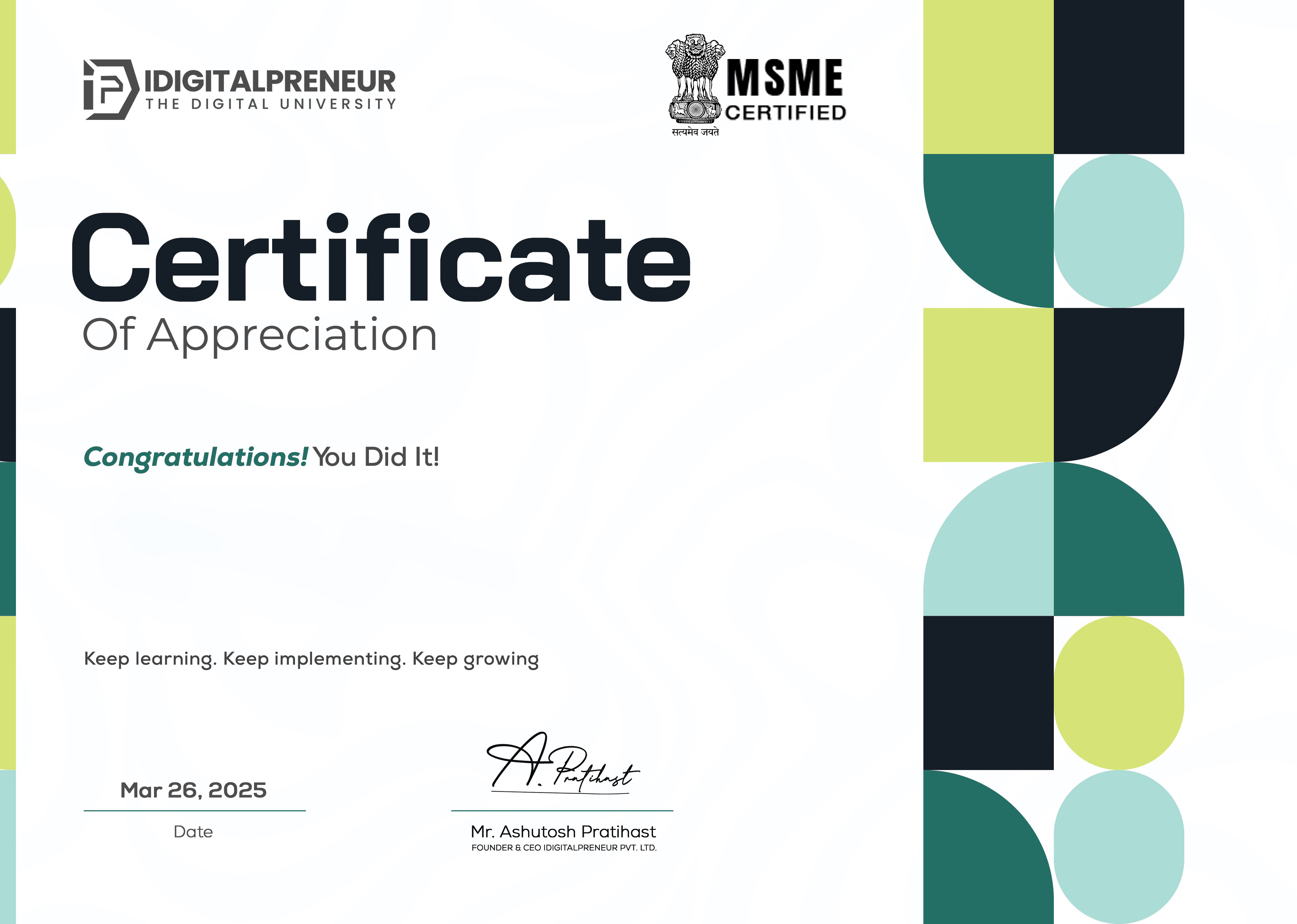
Download your MSME-certified E-Certificate and showcase your credibility to recruiters and clients.

Get My Certificate
Certificate Image
Certificate Image

Get Your E-Certificate

We know the best things for you.

Get Started

Related Courses

Related Courses

View All
Course Image
Mastery of Stock Market Course
Rajat Sharma

14 Hours

Course Image
Print On Demand
Danish Malik

4 Hours

Course Image
Python Decoded
Anmol Punetha

19.78 Hours

Course Image
Premiere Pro Reloaded
Shikhar Gupta

11 Hours

Course Image
VFX Magic with Unreal
Himanshu Rajput

11.21 Hours

Ready to Learn, Grow & Rise?

Join India's leading skill-to-income revolution. Access premium content, expert insights and your next big opportunity.

Media Minute

Spotify
netflix
zoom
adobe
Spotify
Spotify
netflix
zoom
adobe
Spotify

Frequently Asked Questions

Frequently Asked
Questions

Still you have any questions? Contact our Team via support@idigitalpreneur.com

Yes, this course is designed for complete beginners with no prior editing experience.

Enrollment Process for Different Courses

No, the entire course is based on mobile video editing using a smartphone.

Enrollment Process for Different Courses

CapCut is the main editing app used. Other apps may be introduced optionally.

Enrollment Process for Different Courses

Yes, the course covers portfolio creation and basic freelancing guidance.

You will learn to edit Instagram Reels, YouTube Shorts, and other short-form videos.